finish) is a terminal-based coding agent. It can edit files, run commands, and work through multi-step tasks — the same agent that powers the Finish IDE extensions, running in your terminal.
Install
- macOS / Linux
- Windows
- from the repo
Requirements
- Node.js 24+ — needed for the npm install path. The shell installer bundles its own runtime.
First run
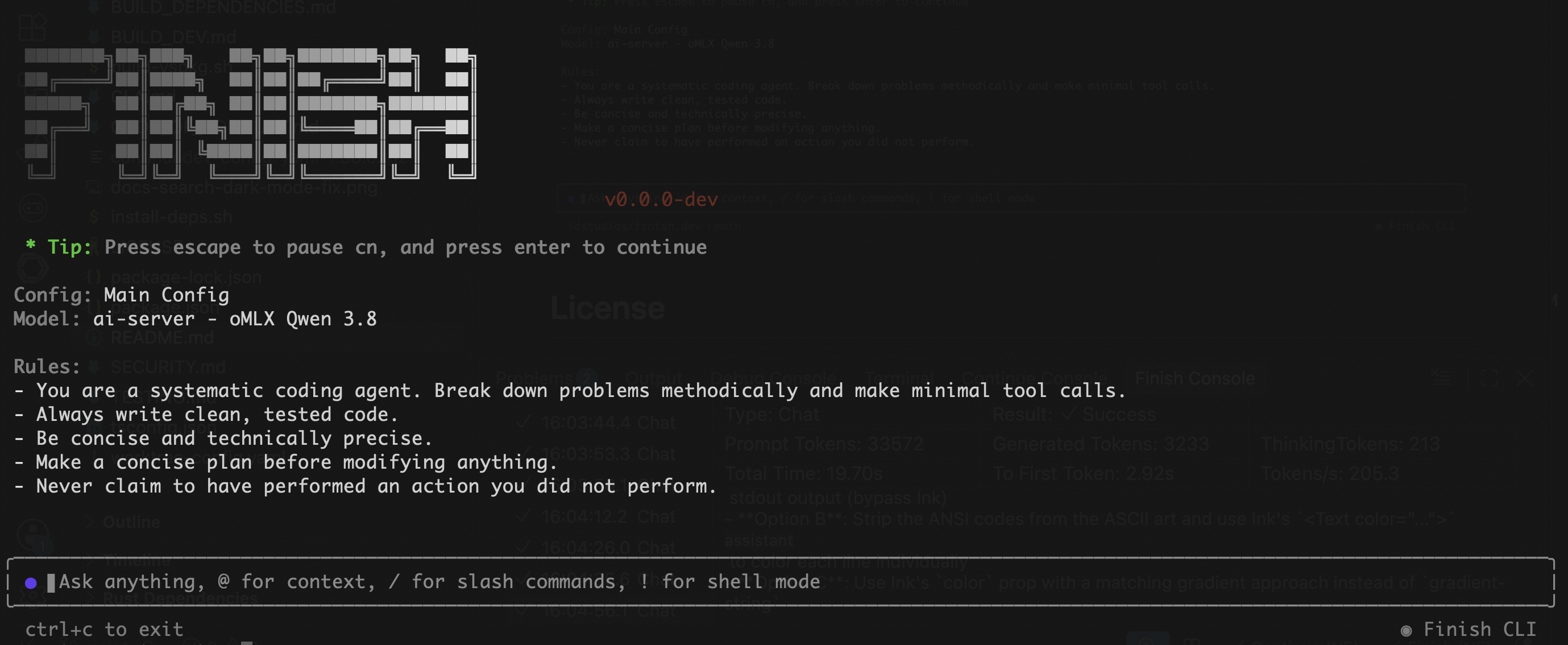
config.yaml in the ~/.finish directory and use the models configured in the file.
Headless Usage)
For automation environments where there’s no browser, set your API keys and then execute the CLI:Two modes
TUI mode — runfinish to start an interactive session. You type messages, reference files with @, approve tool calls, and iterate with the agent. This is the default.
Headless mode — run finish -p "your prompt" for single-shot automation. The agent runs to completion and prints its response to stdout. Use this in scripts, CI/CD, and git hooks.
Common flags
Run
finish --help for the full list.